
The best app to make YouTube, Instagram and TikTok videos in 2 clicks
Pick a topic, click Create. cuttune writes, voices and edits a finished vertical video.
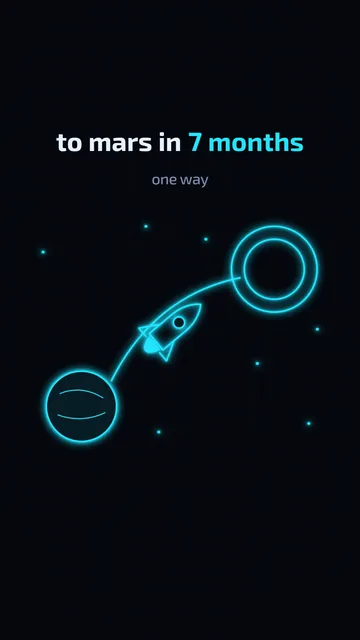


All in one place
- Script
- Voiceover
- Visuals & animation
- Editing
- Music & sound
How it works
2 clicks. That’s it.
- 1
Suggest a topic
Ideas come from your channel’s settings. Pick one.
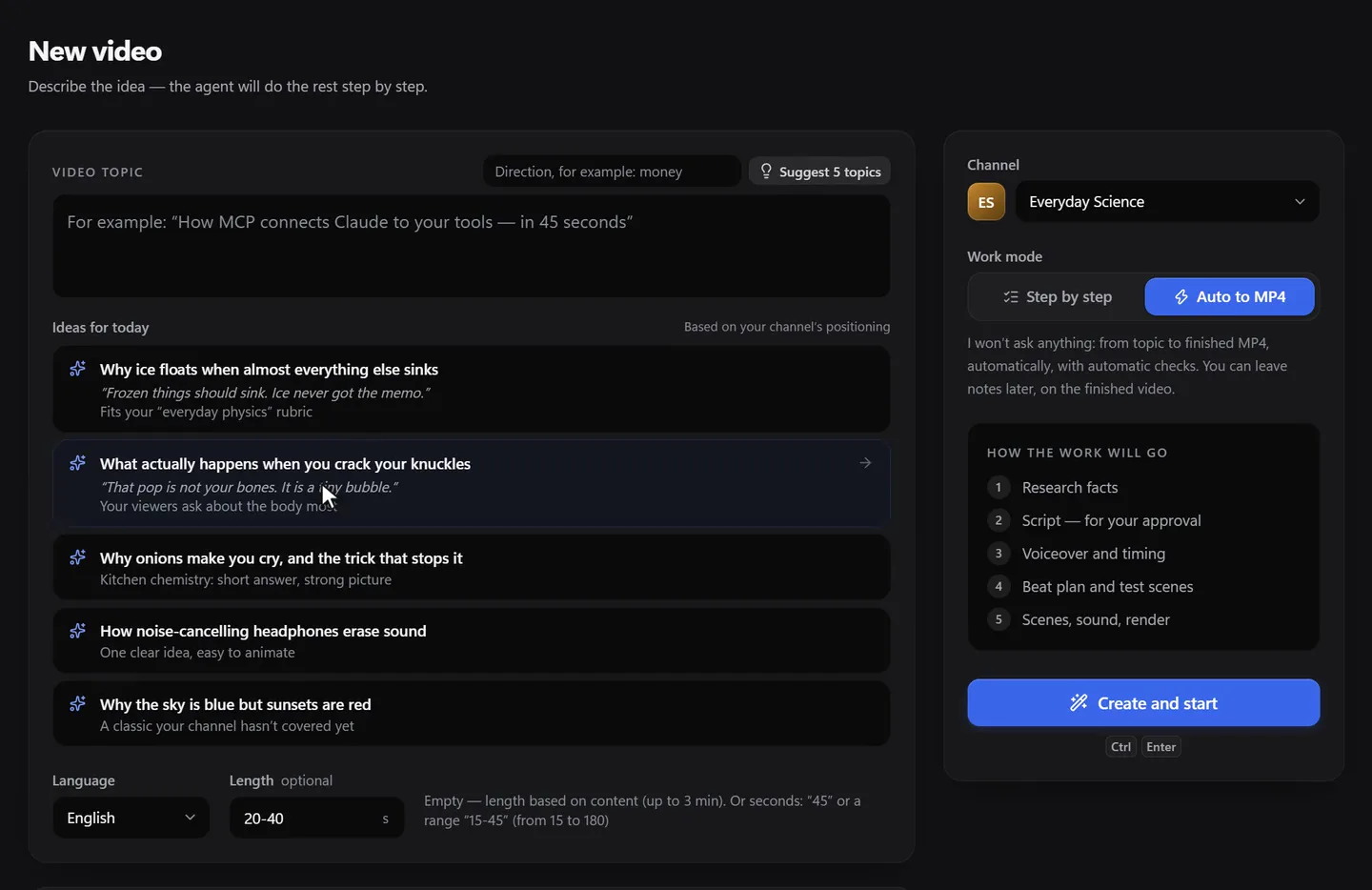
- 2
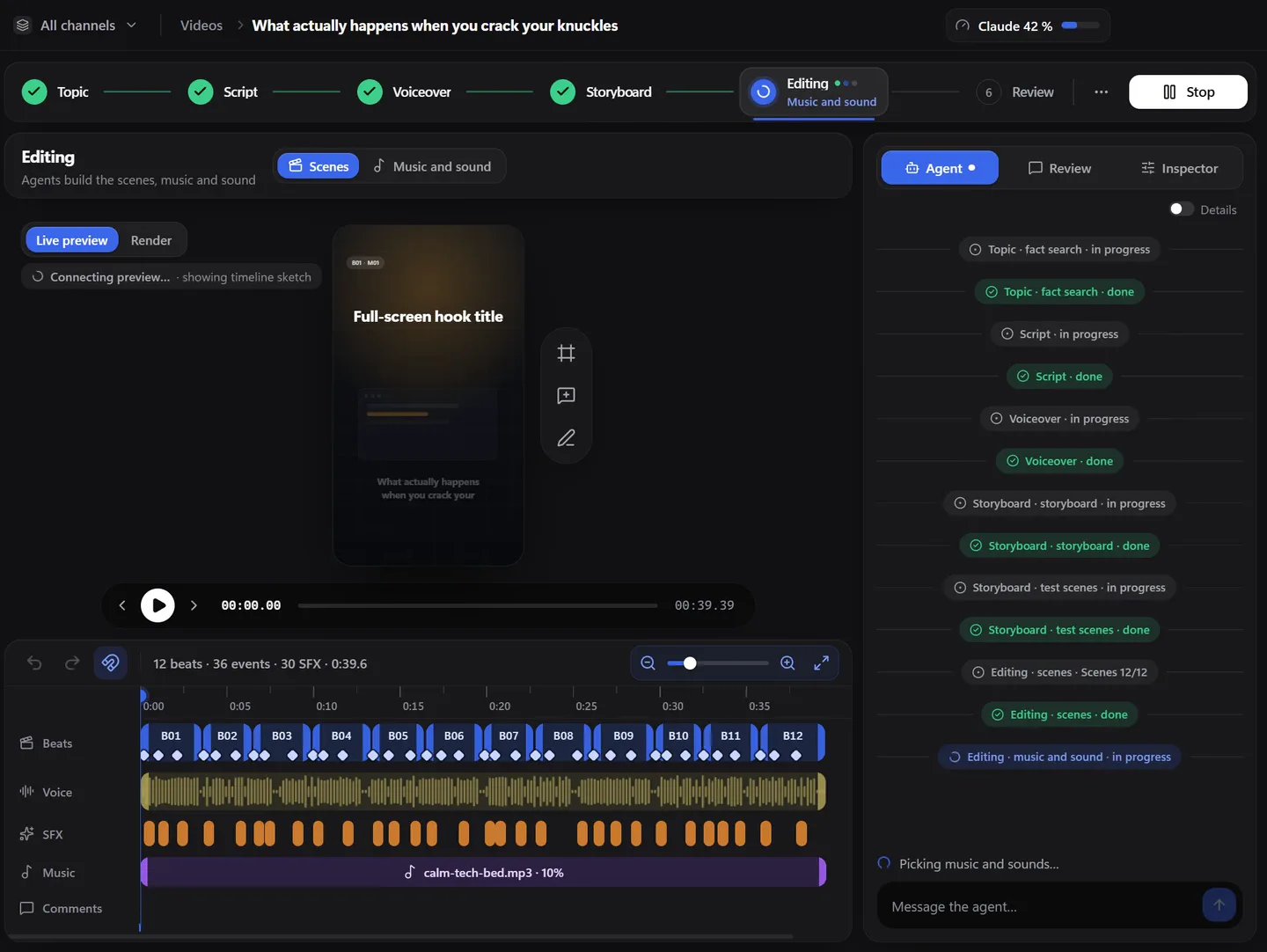
Click “Create and start”
cuttune writes, voices and edits the video.
What you need
- Windows 10 or 11, 64-bit
- Your Claude Pro ($20/month) or Max subscription. cuttune runs Claude Code on your account.
- A Fish Audio account for the voice (free plan to start)
Pricing
One plan
Founders · first 100 buyers
$100/ year
Your price stays $100 when you renew. Download after purchase.
- All 27 styles
- No video limits from cuttune
- 1080×1920, 60 fps MP4, no watermark
- Word timing included
- Updates during your year
- Up to two computers
Not on sale yet. Leave your email and we’ll write once, at launch.
14-day refund
Questions & answers
What does cuttune make?
Vertical videos for YouTube Shorts, Instagram Reels and TikTok: 1080×1920, 60 fps, usually 35–60 seconds, with a voiceover, animated scenes, music and sound. No watermark. Horizontal 16:9 videos are not supported yet.
Why my own Claude subscription?
cuttune is the app and the workflow; the AI work runs on your Claude account, within your plan’s limits. You sign in on Claude’s own page. We never see your password and don’t resell Claude.
What will it cost in total?
cuttune: $100 a year. Claude Pro: $20 a month. Fish Audio: free plan to start, about $11 a month for Plus. You pay those services directly, at their prices. Word timing is included in cuttune.
Is there a free trial?
No. When you buy, everything is unlocked. If it’s not for you, email us within 14 days for a full refund.
How many videos and computers?
cuttune doesn’t limit the number of videos; your Claude and Fish Audio plans do. One purchase works on up to two computers.
Can I use my own voice?
Yes. Use any Fish Audio voice, including a clone of yours, or import a voiceover you recorded (WAV or MP3).
Where are my projects stored?
On your computer. Only the voice audio goes to our server, to time every word, and we don’t keep it. Privacy.
Does it work on a Mac?
Not yet. Windows 10 and 11 only for now.